A website can look better after a redesign while becoming harder to reach from search. The aim is to improve the experience without overlooking the pages, information and routes that already bring customers to your business.
Nobody can guarantee unchanged Google rankings. What you can ask for is an organised transition, with clear deliverables and responsibility for what happens after launch.
1. Identify what is worth keeping
Before choosing colours or approving the homepage, ask for an inventory of the existing website. Which pages appear in search? Which answer customers’ recurring questions? Which URLs are used in advertising, directories or email signatures?
This needs business judgement too. A page with modest traffic might describe a high-value service. A popular article might attract people who are unlikely to become customers. For each important address, record its purpose, who maintains it and what should happen to it in the new version.
2. Agree where each old URL will lead
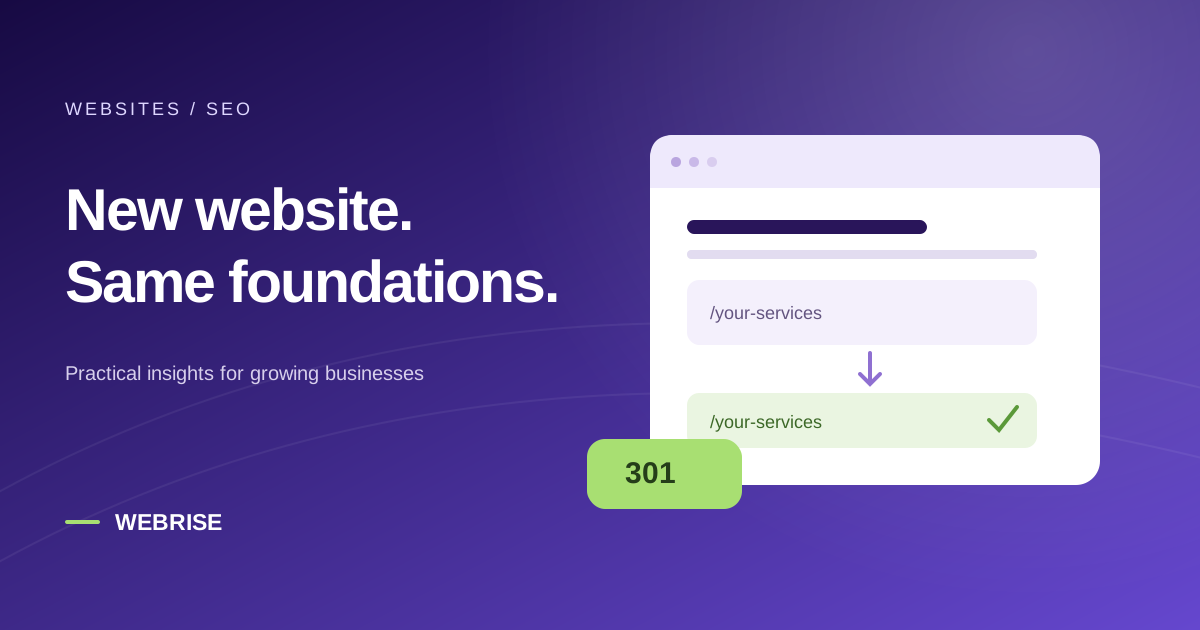
Google’s site-move guidance emphasises mapping old addresses to new ones. Avoid sending unrelated pages to the homepage. When a page moves, its destination should serve the same visitor need.
A useful working document has four columns: old address, new address, reason for the change and test result. Keep an existing URL when there is no meaningful reason to change it. Discuss discontinued services, replacement products and old PDF downloads separately; they may need different decisions.
3. Test the transition in both languages
For permanent URL changes, Google recommends server-side permanent redirects, such as 301 or 308. A page that merely displays a “we have moved” link does not serve the same purpose.
On a bilingual website, test real journeys: an old Greek service page to its new Greek equivalent, an English article to the matching English article, and language switching from an internal page. Hreflang annotations connect language versions; they do not replace translating the content.
4. Check the business journey before approving launch
The acceptance check should cover how your business receives enquiries. A well-written headline does little good if the quote request never reaches your inbox.
- Important old URLs reach the agreed destination.
- Downloads, internal links and contact buttons work on a phone.
- The contact form has been tested through to receipt of the message.
- Canonical URLs and the sitemap refer to the public website, not the staging site.
- Testing settings that block indexing have been removed where appropriate.
- A backup and an agreed recovery procedure are available.
Run this as a shared review with the people who handle customer enquiries, not only the person who approves the design. They often notice missing details that a visual review will miss.
5. Include monitoring in the handover
Decide in advance who will review search visibility, errors and form delivery after launch. Compare the same important pages and business actions, accounting for advertising changes and seasonality. That gives you a better basis for distinguishing a technical issue from a change in demand.
Google notes that a move can cause temporary search fluctuations and recommends keeping redirects for at least a year. A redesign therefore needs a continuity plan as well as a launch date.
Planning a refresh? Explore our website and e-shop service or tell us about your existing site.
← All articles